Bring back bold and italic font styles in the layout editor
Bring back bold and italic font style options in the layout editor as in version 7, and preserve font formatting when text is copied.
Consolidated from 2 customer requests on 3 Sep 2026.
Original request
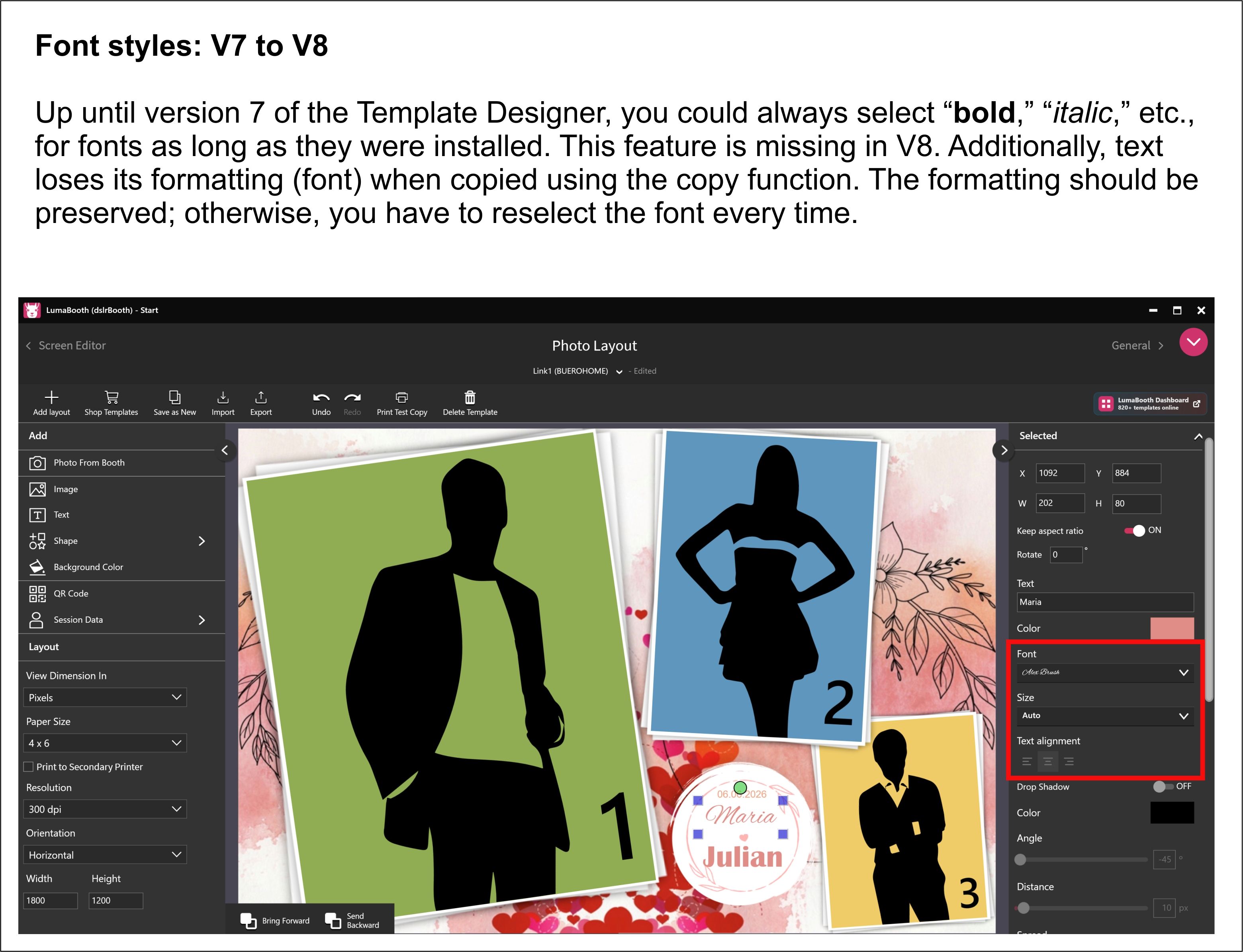
Up until version 7 of the Template Designer, you could always select “bold,” “italic,” etc., for fonts as long as they were installed. This feature is missing in V8. Additionally, text loses its formatting (font) when copied using the copy function. The formatting should be preserved; otherwise, you have to reselect the font every time.
Log in to comment and vote
Comments2
Andreabta
Sep 3
•Merged request
•2 votes
Add bold and italic to layout editor fonts
Hello everyone! Am I the only one bothered by the fact that the italic and bold style options have disappeared from the fonts? And that the startup screen always shows multiple templates? I have a lot of events, and I have to delete everything every time so it doesn’t get in the way. The old starred solution was much better and simpler when using multiple templates. Is there any way to use the old version?
Luma Mike
May 14
Seems like you’re doing adding multiple layouts for your event by mistake. Please see:
https://www.youtube.com/watch?v=0LPDTD7mkRg . You will want to have only 1 layout per event. If you want to copy a layout from an event to another, you can duplicate the event itself then open it and modify it.